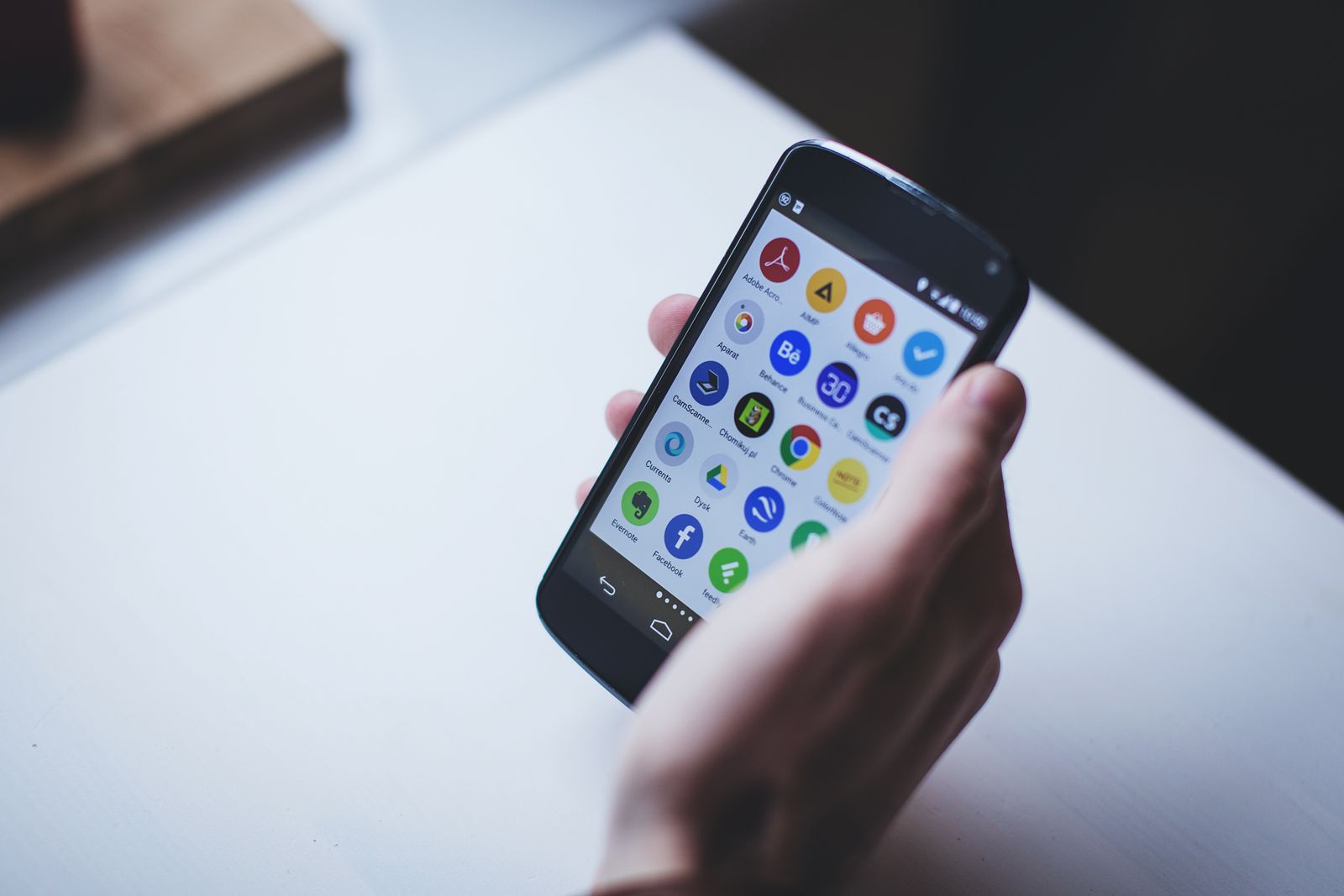
Every other money-saving article in 2026 wants you to install fifteen apps. The reality: after testing every UK shopping app currently funded enough to advertise, only five reliably save real money. The rest are either affiliate-link laundromats, dead apps still in the store, or "cashback" services that pay out so slowly the redemption never happens.
Here are the five that work, sorted by what they're actually for.
1. Honey — the only browser extension you need
Honey lives in your browser. When you reach a checkout on a UK retailer, it auto-tests every voucher code in its database in about 8 seconds and applies whichever one knocks the most off your total.
- What it actually saves: 5–20% on most online purchases. Not on every retailer (some don't run codes), but on most major UK sites.
- What it costs: free. Owned by PayPal, monetised via the merchant's affiliate commission. No ads, no data resale.
- Catch: you have to remember to click the button. It pops up; if you ignore it, no codes apply.
Worth installing because it eliminates the "did I forget a voucher code?" anxiety that follows every online checkout. Even if it only saves £5 on a third of your purchases, it pays back the 30 seconds of setup forever.
2. TopCashback — the cashback platform that pays
TopCashback routes your shopping clicks through their affiliate links, then gives you back the affiliate commission as cashback. Rates: typically 1–15% depending on the retailer, sometimes 30%+ on broadband / insurance switches.
- What it actually saves: meaningful — £200–£500/year for an average UK household if you route all your big purchases (insurance renewals, broadband, holidays, electronics) through it.
- What it costs: free. The "Plus" tier (£5/year) increases payouts and is worth it for anyone who breaks even on the membership in week one.
- Catch: payouts take 4–12 weeks (the merchant has to confirm the sale). Don't treat it as immediate money.
The killer use case is insurance switches. A car insurance renewal at £600 with £80 cashback is meaningfully cheaper than the same policy direct. Always check TopCashback before any policy renewal.
3. CamelCamelCamel — the Amazon price history
CamelCamelCamel tracks Amazon prices over time. Type a product URL in, get a chart of how the price has moved over the last 6 months. You see whether you're looking at a real deal or a fake discount.
- What it actually saves: stops you buying at a peak. Amazon "deals" are often "back to the price they were six weeks ago."
- What it costs: free.
- Catch: Amazon-only. The companion site Keepa has a browser extension that overlays the chart directly on Amazon product pages.
Use case: any purchase over £30 on Amazon. Spend 10 seconds checking the chart. If today's price isn't a 6-month low, set a price-drop alert and wait. Black Friday isn't the cheapest moment for most things; mid-January is.
4. Too Good To Go — surplus food in your area
Too Good To Go lets shops sell their unsold end-of-day food at a discount via "surprise bags." A bakery's £15 of bread for £4, Pret's £20 of sandwiches for £5, a Greek deli's mystery box for £3.50.
- What it actually saves: £80–£150/month for a regular user. Especially good if you're flexible about dinner.
- What it costs: free. You prepay through the app; collect during a specified window.
- Catch: "surprise" means surprise. You might get four croissants when you wanted lunch. Have a backup plan.
The reason it ranks here and not in "freebies": the cost-per-calorie is unbeatable on the UK high street, and the experience is genuinely good. Most bags exceed their stated value.
5. Olio — free food, free everything
Olio is the neighbour-to-neighbour version of Too Good To Go: people and shops give away food they're not going to use, free. Listings appear, you message, you collect.
- What it actually saves: variable — depends entirely on what your area posts. Urban areas (London, Bristol, Manchester) post constantly; smaller towns less.
- What it costs: free.
- Catch: the "free non-food" section is a flea market for unwanted stuff. The food section is the meaningful one. Don't enable the rest unless you want notifications about used kettles.
Often listed alongside Too Good To Go, but the use case is different: Olio is opportunistic (check at 7pm, find something close by); Too Good To Go is predictable (book a bag from a known shop in advance).
What we didn't include — and why
Several apps look like they should be on this list but didn't make the cut after testing:
- Quidco — direct competitor to TopCashback. Decent but consistently has lower rates. Worth installing only as a comparison tool for big purchases.
- Smartprice (Tesco), Asda Rewards, Sainsbury's Nectar — supermarket-specific. Worth using if you shop there, but they're not "money-saving apps" — they're loyalty schemes that maximise the chain's share of your wallet.
- Latest Deals, Hotukdeals — community deals sites. Useful for browsing but the genuinely good deals are rare amongst the noise.
- VoucherCodes, MyVoucherCodes — code aggregators. Most codes are expired or fake. Honey replaces them.
- Lidl Plus — good if you shop at Lidl, but not a meaningful saving for non-regulars.
- Trainline — covered separately in the trains write-up; it's a service, not really a "money-saving app."
- Anything advertised on Instagram with "save 70%" — affiliate spam.
The five-minute setup
- Install Honey in your browser.
- Sign up for TopCashback (use the Plus tier from day one).
- Bookmark CamelCamelCamel (the extension Keepa is also fine).
- Install Too Good To Go and Olio on your phone.
Total time: about ten minutes. Realistic annual savings for an average UK household: £300–£800, depending on how aggressively you use them.
Most "money-saving" apps in the UK App Store are revenue engineering for someone else. These five are revenue engineering for you.